EZTools

Choose a noise color
Listen to white, pink, or brown noise.

White noise
Noisewell plays white, pink, and brown noise on your phone. Choose a sound for sleep or focus and set a timer to stop it.
Get it on Google PlayAvailability, pricing, and device compatibility are shown on Google Play.
THE LITTLE DETAILS
Listen to white, pink, or brown noise.
Choose when the sound should stop.
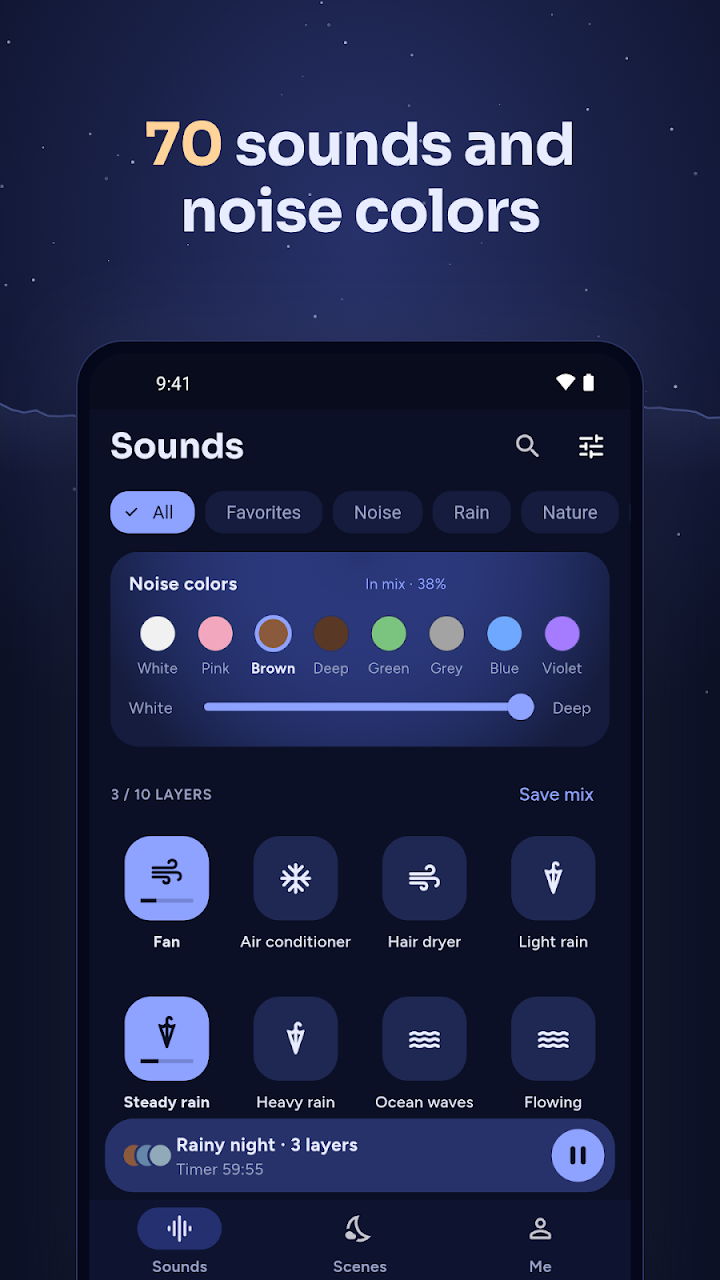
App screenshots
App screens shown in English. The interface may vary by version and language.
GETTING STARTED
Open the sound library.
Choose white, pink, or brown noise.
Set a timer if you want the sound to stop.
For questions or feedback, contact EZTools and include the app name. You can also read this app’s privacy policy below.